
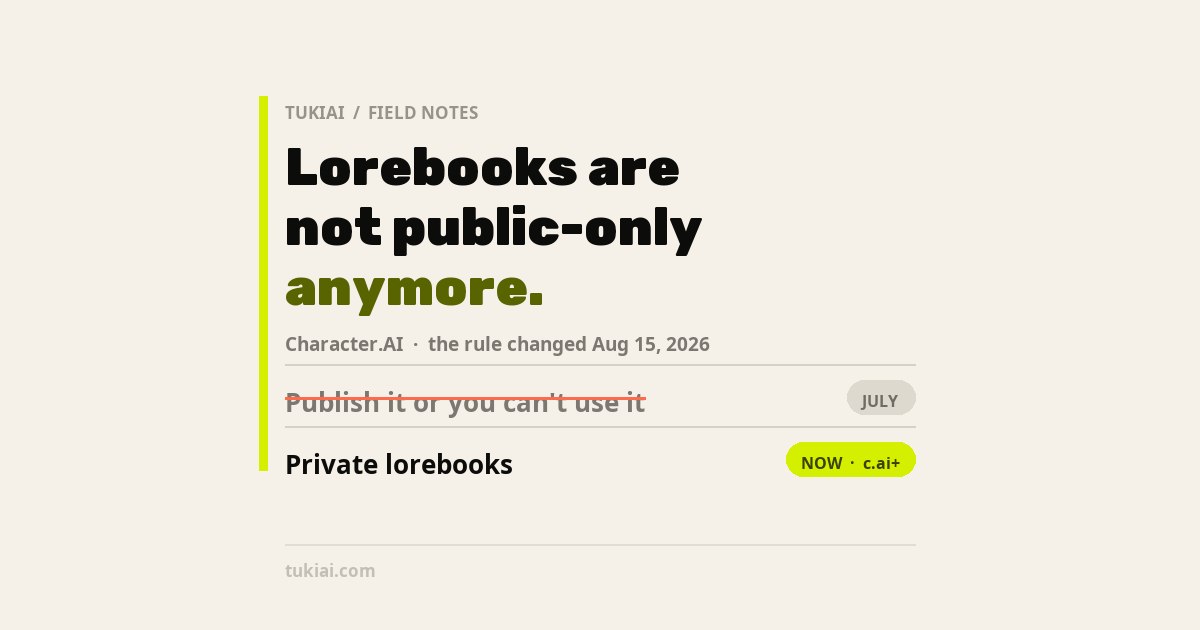
Character.AI shipped Lorebook in mid-July 2026, and quietly changed the most important rule about it in August. If you read a guide written at launch, it told you every Lorebook has to be public. That is no longer true. Here is how the Character.AI Lorebook actually works, which limits are real, which numbers going around are invented, and how to build entries that actually fire.
A Lorebook is the first thing Character.AI has shipped that lets you give a character a world instead of a personality. The Character Definition has always been a single always-on block of text. A Lorebook is different in kind: a set of entries that sit dormant until something in the conversation wakes them up, reusable across every character you own.
It also arrived with a genuine problem. At launch, the only way to use a Lorebook was to publish it — which made it searchable and visible to everyone, including the world you had just spent an evening building. That was the loudest complaint about the feature, and it is the thing most guides still tell you. Character.AI fixed it on August 13–15, 2026, and did not announce the fix on its blog. Everything below is checked against the official help center as of August 17, 2026.
What a Character.AI Lorebook actually is
Character.AI describes a Lorebook as “a reusable collection of world entries — side characters, locations, rules — that activate when their keywords come up in chat.”
The mechanism matters more than the description. Each entry carries a title, a body of content, and up to eight keywords. When one of those keywords appears in the conversation, that entry is handed to the character, which can then work it into its reply. When the keyword does not appear, the entry is not in context at all.
That single detail explains almost every question people have about the feature:
- Versus the Character Definition: the Definition is always loaded, for one character. A Lorebook entry is conditional, and the same Lorebook can be linked to many characters — so two characters can share one canon.
- Versus Memory: memory is per-conversation and accumulates as you talk. A Lorebook is authored in advance, keyed to words, and carries across chats and characters. They solve different problems, which is why the platform shipped both. I went through the memory side separately in why Character.AI forgets, and what actually makes it remember.
- Why an entry “doesn’t work”: most of the time nothing is broken. The keyword simply never got typed.
Entries support the {{user}} and {{char}} placeholders. One caveat worth knowing before you write fifty entries: {{char}} resolves to whichever character is linked, so if a fact belongs to one specific character in a shared Lorebook, name that character explicitly instead of relying on the placeholder.
The privacy rule changed in August, and most guides still have it wrong
This is the part worth getting right, because it is the difference between publishing your world and not.
At launch in July, drafts could not be used in chat, and leaving draft status meant going public. Public means searchable, visible to everyone, and linkable by other creators to their own public characters. The only mitigation was a per-entry Hint Only setting, which hides an entry’s content but still exposes its title and keywords.
As of the help center update on August 15, 2026, there is a Private option. The current rules:
- Private Lorebooks are available to c.ai+ subscribers only, and they work only with your private characters.
- Public Lorebooks remain searchable and linkable by other creators.
- Per-entry visibility still exists for public books: Full Details shows title, keywords and content; Hint Only shows title and keywords while the content stays hidden.
- The draft rule did not change. You still have to publish out of Draft before a Lorebook can be used in chat. Publishing triggers a brief review, then it goes live.
So the honest answer to “do I have to make my Lorebook public?” is: no, not anymore — but the private option is behind the subscription, and it confines you to private characters. If you are on the free tier, the launch-era answer still applies to you.
The only limits Character.AI has actually published
There are exactly two documented numbers. Everything else you will read is someone’s guess.
- 8 keywords per entry. Official.
- 10 MB import file size, plain text or JSON. Official.
Undocumented, as of August 17, 2026: the maximum number of entries in a Lorebook, any character or token limit per entry, how many Lorebooks one account can have, and how many characters can be linked to one book. Character.AI’s own help center refers to entries “being too long” causing save errors without ever saying what too long means.
One number in particular is circulating as though it were a rule: that entries should be about 100 tokens each. That figure comes from a third-party guide, not from Character.AI, and it is a writing recommendation rather than a published limit. It may well be good advice. It is not a specification, and no one should treat it as one.
How to build a Lorebook that actually fires
The workflow, from the official help center:
- Create the book. + Create → Lorebook, on web or mobile. You can start from an empty book or a template. You can also reach it from a character’s creation or edit screen.
- Write entries. Each one needs a title, the content itself, and up to eight keywords.
- Link your characters. In the Lorebook workspace, open Linked Characters → Add Character. You can only link characters you own.
- Set visibility. Public or Private for the book; Full Details or Hint Only per entry on public books.
- Publish. Draft books do not work in chat. Publishing runs a near-instant review. Edited entries show highlighted in yellow afterwards, and you can either discard the changes or push them to the published version.
The part that decides whether any of this works is step two, and specifically the keywords. An entry is only as good as the odds that a user types one of its eight triggers.
Write keywords the way people type, not the way you write
If your entry is about a city called Aethermoor, “Aethermoor” is one keyword. The others should be the words someone actually uses in a sentence: the nickname, the shortened form, the demonym, the thing it is famous for. Eight is a real ceiling, so spend them on variants people say rather than synonyms only you would use.
Watch for substring collisions
Short keywords are the most common self-inflicted wound in any keyword-triggered system. A three-letter trigger will fire inside longer, unrelated words and pull an irrelevant entry into context at exactly the wrong moment. Prefer distinctive terms.
Remember that every fired entry costs context
Entries that trigger take up room in the same context budget the conversation itself is using. A book where a dozen entries fire on every message is not a richer world; it is a character with less room to remember what you just said.
Importing from SillyTavern or NovelAI
This shipped on August 13, 2026 and has been almost entirely missed by the guides currently ranking. Character.AI accepts imported lorebooks as plain text or JSON up to 10 MB, and the file is processed locally on your device.
The JSON schema it reads is the one already used by other lorebook tools — comment for the entry title, key for the keywords array, content for the body — and any additional fields from whatever tool produced the file are ignored rather than rejected. In practice that means books built in SillyTavern or NovelAI-style formats import cleanly, which is a much bigger deal for anyone with an existing world than a fresh-start feature would have been.
The one thing to check after an import is keywords. Character.AI’s own import checklist tells you to look for entries that arrived without any, because “entries activate by keywords only” — an imported entry with an empty key array is inert. It also flags entries that came in over the eight-keyword limit or too long to save.
Why entries fail silently
There is no error state for an entry that never triggers. It simply does nothing, forever, and the character behaves as though the world you wrote does not exist. When a Lorebook seems not to be working, the causes are almost always mechanical and worth checking in this order: the book is still a draft; the character is not linked; the entry has no keywords after an import; or the keywords are words that no one in the conversation has any reason to type.
That last one is the real trap, and it is a design problem rather than a bug. You know the name of the tavern. Your reader, mid-scene, writes “let’s go to the bar.”
Who actually needs one
Worth saying plainly, because the feature is being sold harder than it needs to be: a Character.AI Lorebook solves a problem you may not have.
If you run a single character with a tight definition, and your chats stay inside that character’s own life, a Lorebook adds overhead and gives you very little. The Definition is already always-on, which is strictly better for facts that matter in every scene. Putting core traits into a Lorebook and hoping the right keyword shows up is a downgrade, not an upgrade.
It earns its place in three situations. The first is a shared world — several characters who need to agree on the same history, geography and rules, which is the case the reusable-across-characters design was built for. The second is depth you only want occasionally: the twenty side characters, minor towns and old wars that would bloat a Definition if they were always loaded, but should be available the moment someone mentions them. The third is an existing world built somewhere else, which the August import now makes cheap to bring over.
And the subscription question follows from the privacy rule rather than the feature itself. Creating and editing a Lorebook currently requires c.ai+ — the same tier that gates DeepSqueak and Soft Launch in the chat styles roster. If you are weighing it, weigh it as one item in that bundle, not on its own.
How this guide stays honest
Character.AI is iterating on this feature faster than it is documenting it. The private-Lorebook change and the import feature both shipped through the help center and in-app rather than the blog, and the “What makes a good Lorebook?” article was updated again on August 17, 2026 — the day this was written. Every fact above is taken from the official blog and help center, with dates; where a number is not published, this guide says so instead of estimating. If the app disagrees with anything here, trust the app, and check the date on whatever else you are reading.
Why is a WooCommerce AI company writing about Character.AI? Because how conversational AI decides what to pull into context is exactly our problem too — a Lorebook entry that never fires and a store agent that never checks live stock are the same failure with different stakes. We build an AI sales agent for WooCommerce stores, and we wrote up what happened when ours got its own context wrong and how we keep an agent wired to live store data. The other half of what changed on Character.AI this year is in the chat styles guide.
Sources: Character.AI official blog, “Introducing Lorebook: Build the World Behind Your Characters” (Jul 24, 2026) · Character.AI official blog, “April Update: New Model, Memory, and Lorebook” (Apr 14, 2026) · Character.AI Help Center, “Lorebooks” (updated Aug 15, 2026), “What makes a good Lorebook?” (updated Aug 17, 2026) and “Importing Lorebooks” (created Aug 13, 2026) · @character_ai launch announcement on X (Jul 13, 2026). Launch-era behaviour of the publish rule as reported by roborhythms.com (Jul 14, 2026) and weavai.app (Jul 17, 2026), both of which predate the August privacy change.